
Everything you copy, a keystroke away.
A free, open source clipboard manager that feels like a native part of macOS.
Requires macOS 15.4 or later
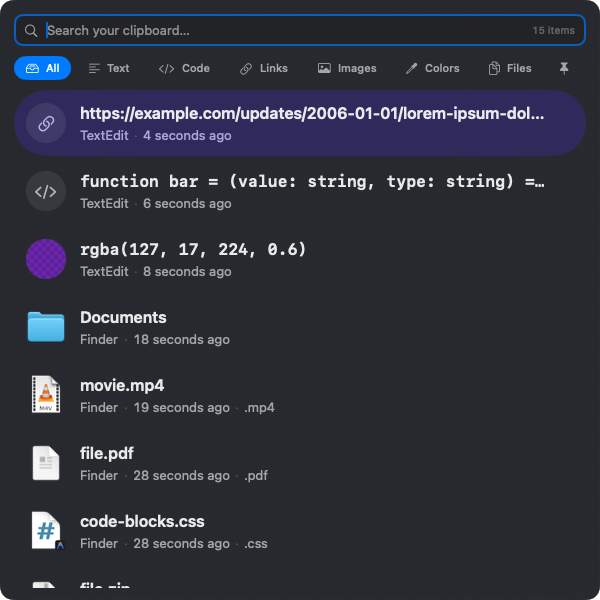
The instant you need it.
Hit your shortcut, start typing, and your history narrows as you go. Arrow to the match, press return — you never leave the keyboard.
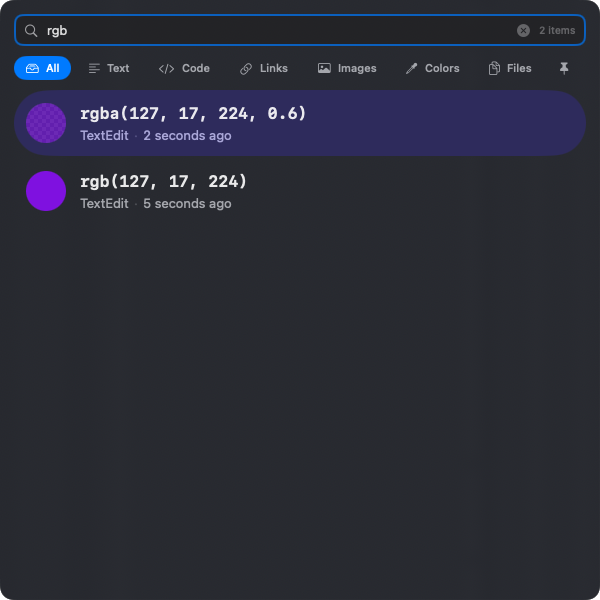
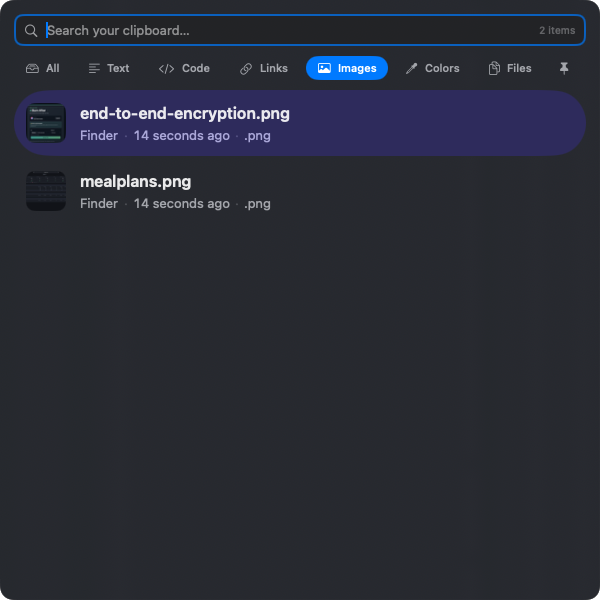
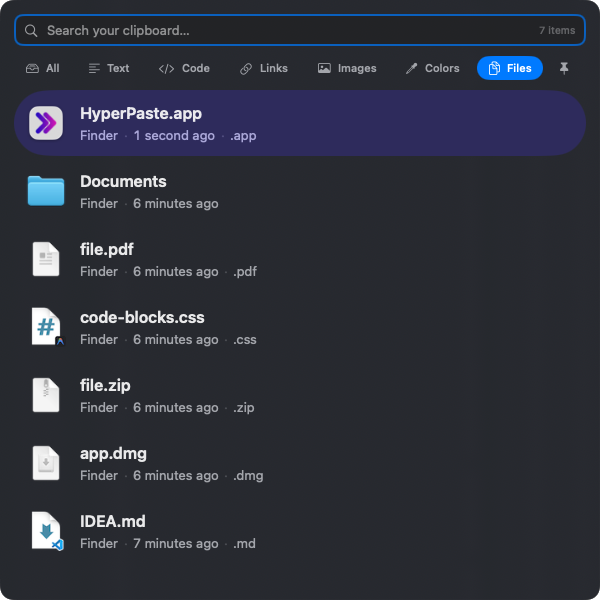
Every kind of thing, at home.
Text, code, colors, images, files — HyperPaste recognizes each and shows it the way it should look.
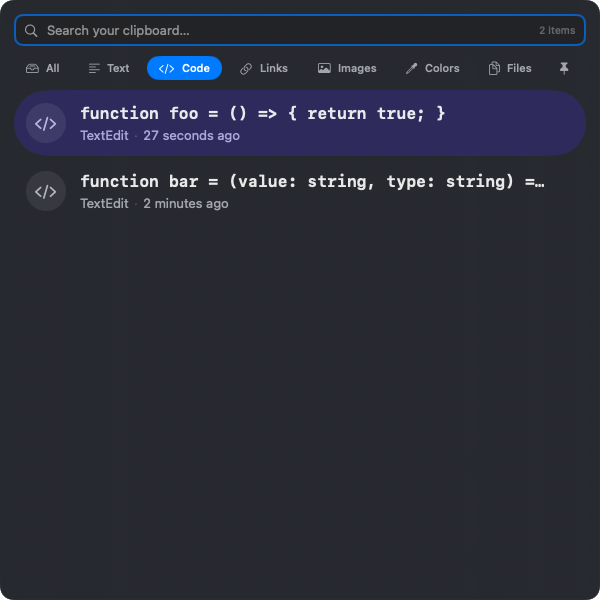
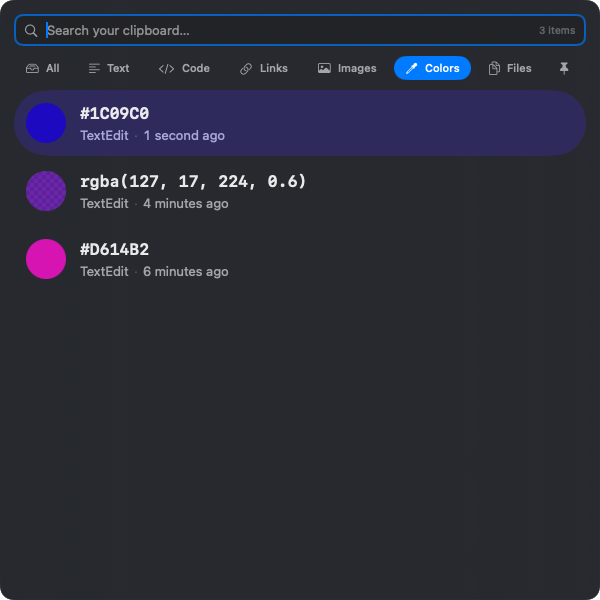
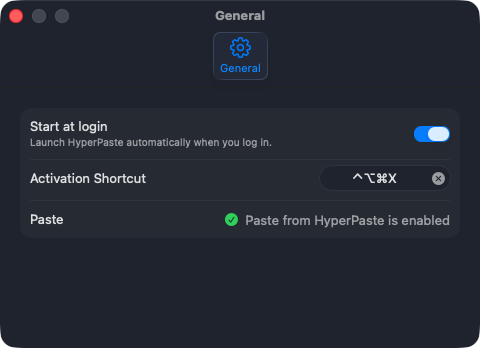
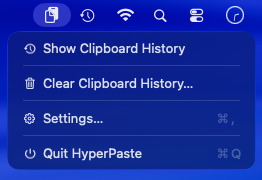
It works the way your Mac does.
It lives in the menu bar and opens a real Settings window — where you can set your own activation shortcut. Native conventions, not invented ones.
Keep what matters.
Clipboard history is temporary by design. Pin the things you reach for again and again — they stay until you remove them.
Pin with
⌘S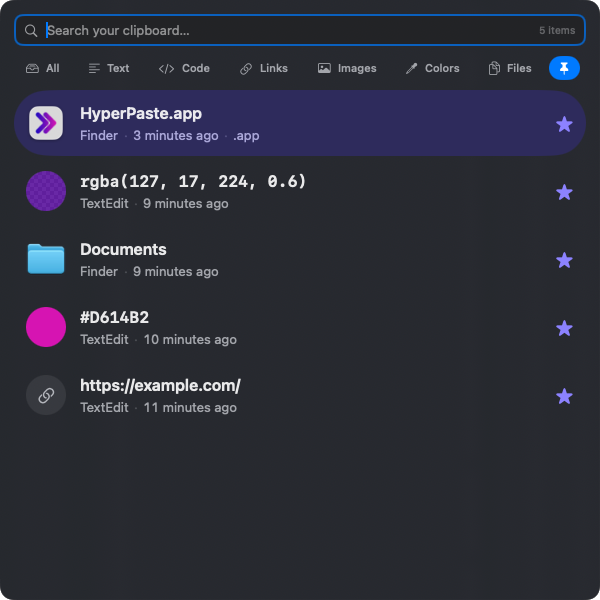
What you copy stays on your Mac.
Local-first by design — no account, no cloud, nothing to trust but your own machine.
Everything stays local
Your history never leaves your Mac.
Sensitive types respected
Passwords and the like stay out of history.
Exclude any app
Tell HyperPaste which apps to ignore.
No ads, no telemetry
No tracking. Just the app, working quietly.
Free. Open source. Yours to keep.
HyperPaste is a native clipboard manager for macOS — built in the open, and designed to feel like it belongs on your Mac. The source is on GitHub, and contributions are welcome.
Requires macOS 15.4 or later · MIT Licensed